
Surviving the Switch: How to Transition from RTK to PPK Workflows When Switching Drone Types
- Brian Layhew
- Sep 13, 2025
- 5 min read

Let's be honest – the writing's on the wall for DJI drones in the commercial space. With mounting regulatory pressure and potential restrictions, many drone service providers are scrambling to find alternatives. At 9 Line Aerial Media, we made the proactive decision to transition to the Wingtra Ray before we were forced to. What we discovered was that this wasn't just a simple equipment swap – it completely changed our entire workflow, data processing, and approach to precision surveying.
If you're facing this transition (or thinking about it), buckle up. This isn't just about learning a new drone – it's about fundamentally rethinking how you approach RTK corrections, GNSS logging, and post-processing. Let me walk you through every detail of what changes, why it changes, and how to adapt your business operations.
The Fundamental Shift: RTK vs PPK (And Why It Matters)
First, let's get crystal clear on what's actually changing here. With DJI drones, you've been living in an RTK (Real-Time Kinematic) world. Your drone receives corrections live during flight, processes them immediately, and stores that corrected positional data right on the SD card. It's plug-and-play convenience at its finest.
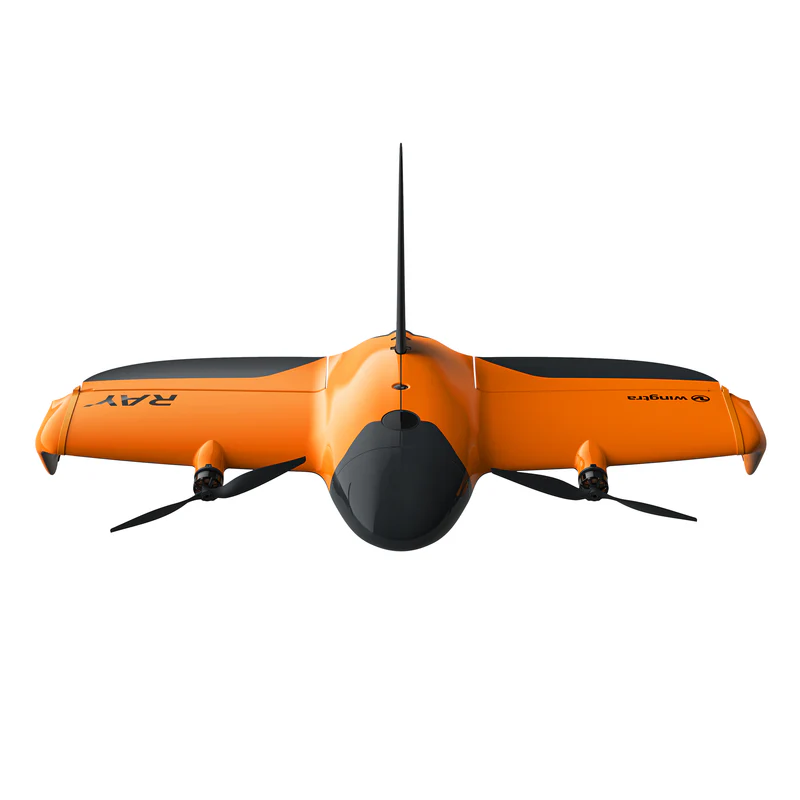
The Wingtra Ray operates in a PPK (Post-Processed Kinematic) environment. Instead of getting corrections during flight, you log raw GNSS data from both your drone and a base station, then marry those datasets after the mission for the highest possible accuracy. It's more work upfront, but the results are often superior – especially for large-area surveys and remote locations.
Your Current DJI RTK Workflow (What You're Leaving Behind)
Let's break down what you're probably doing now with your DJI setup:
Equipment Connection Chain:
Phone with NTRIP subscription → Bluetooth to Emlid Reach RS3
RS3 broadcasts corrections via WiFi → DJI Controller receives corrections
Controller sends corrections to drone via OcuSync/Lightbridge
Drone applies corrections in real-time and logs corrected positions to SD card
Mission Process:
Set up base station (if using one) or rely on NTRIP network corrections
Launch DJI Pilot app, confirm RTK signal strength
Fly mission with live RTK corrections
Land and upload entire SD card folder to processing software
Processing software finds RTK-corrected positions automatically
Generate deliverables with claimed centimeter accuracy
This workflow spoiled us because everything was contained within the DJI ecosystem. The corrected GNSS data lived right alongside your images in neat mission folders.
The New Reality: Wingtra Ray PPK Workflow
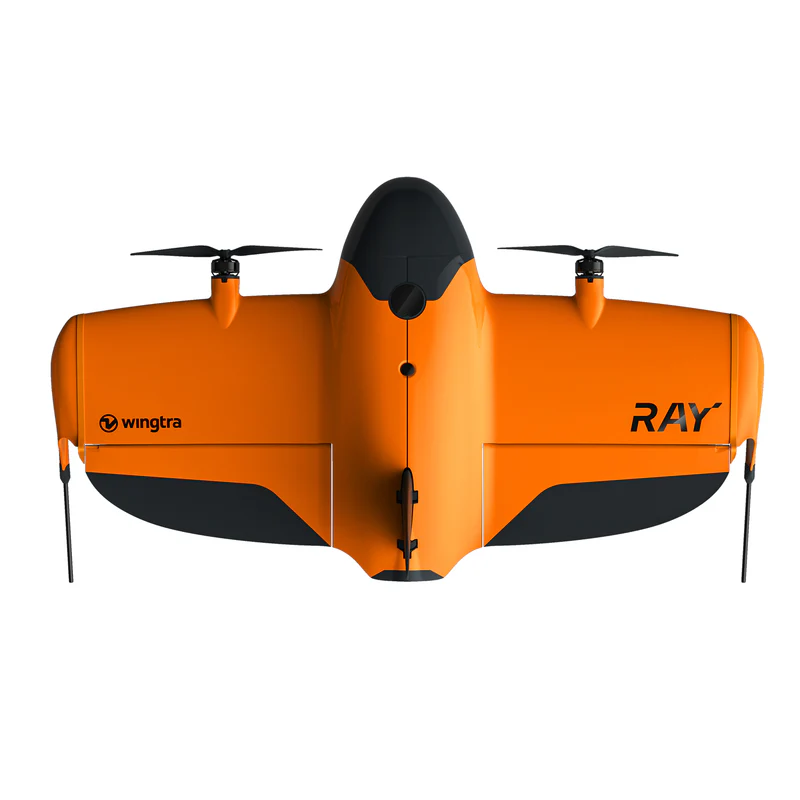
Here's where everything changes. The Wingtra Ray doesn't integrate with your existing NTRIP setup the way DJI does. In fact, it can't receive live RTK corrections during flight at all. You're moving to a base station + post-processing approach whether you like it or not.

New Equipment Setup:
Emlid Reach RS3 operates as standalone base station over known point
Base station logs raw GNSS data (RINEX format) during entire flight
Wingtra Ray logs its own GNSS data during mission
No real-time corrections flowing to aircraft during flight
New Mission Process:
Set RS3 base station over surveyed point (or measure new point)
Start GNSS logging on RS3 BEFORE launching aircraft
Launch Wingtra Ray and complete mission (no live corrections)
Land aircraft and STOP base station logging
Download two separate datasets: Ray mission data + RS3 RINEX logs
Upload both datasets to processing software for PPK correction
Software combines/matches timetagged data for final accuracy
Step-by-Step Equipment Transition Guide
What Changes with Your NTRIP Subscription: Your yearly NTRIP subscription isn't useless, but its role changes dramatically. Instead of streaming corrections to your aircraft during flight, you might use NTRIP to:
Quickly establish coordinates for your base station location
Verify positioning of existing survey monuments
Collect precise checkpoint data with your rover
But for the actual aerial mission? That NTRIP stream won't touch your aircraft.
Base Station Setup (The Critical Change):
Place RS3 over known survey point or measure new location
Initialize base station in Emlid Flow app
Start raw data logging (RINEX format) – this replaces your live NTRIP corrections
Leave base station logging for ENTIRE duration of flight
Only stop logging after aircraft has landed
Critical Timing Note: Your base station must be logging continuously from before takeoff until after landing. Any gaps in base station data mean those portions of your flight can't be post-processed for maximum accuracy.
File Management: The Biggest Headache
This is where most people get tripped up. With DJI, everything lived in tidy mission folders. With Wingtra Ray PPK, you're juggling multiple file types from different sources:
From Wingtra Ray:
Mission images (geotagged with approximate positions)
Flight logs and telemetry data
Rough GNSS positioning data
From Base Station:
RINEX observation files (.obs)
Navigation files (.nav)
Raw GNSS logs in various formats
From Rover (for checkpoints):
CSV exports from Emlid Flow
Coordinate files for ground control points
Quality reports and accuracy metrics
You have to manually combine these datasets in your processing software, ensuring proper coordinate systems and time synchronization.
Processing Software Adjustments
Your processing workflow changes significantly:
DJI RTK Processing:
Upload mission folder
Software automatically finds RTK positions
Process images with embedded corrections
Generate outputs
Wingtra Ray PPK Processing:
Upload mission images
Import separate base station RINEX logs
Configure PPK processing parameters
Match/synchronize base and rover datasets
Process combined dataset
Verify accuracy with checkpoints
Most photogrammetry software (Pix4D, Agisoft, etc.) supports PPK workflows, but the setup is more involved than DJI's plug-and-play approach.
Checkpoint Strategy: Your Quality Assurance
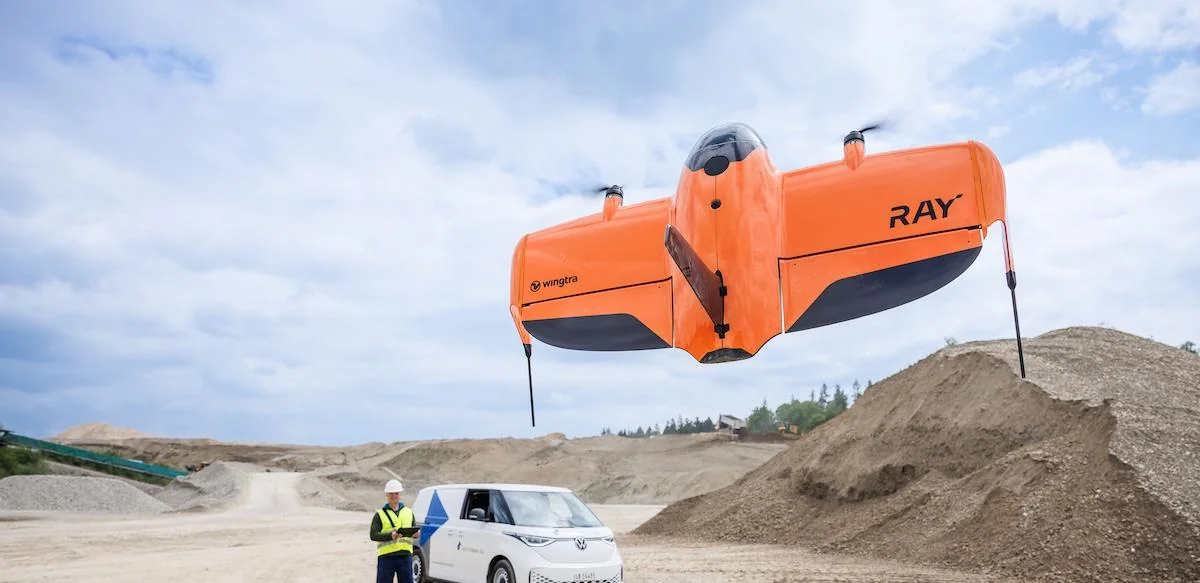
With DJI RTK, you might have gotten lazy about checkpoints – the live corrections gave you confidence. With PPK, checkpoints become absolutely critical for verifying your results.
New Checkpoint Workflow:
Before flight: Use RS3 as rover to collect GCP coordinates
Export precise coordinates to CSV
After processing: Compare processed positions to checkpoint coordinates
Verify accuracy meets project specifications
Adjust processing parameters if needed
Common Stumbling Blocks (And How to Avoid Them)
Time Synchronization Issues: Base station and aircraft must have synchronized time stamps. Always verify GPS time is properly synced before missions.
Coordinate System Confusion: Ensure your base station, checkpoints, and project deliverables all use the same coordinate reference system. Mixed coordinate systems are a common source of accuracy problems.
Base Station Placement: Unlike DJI RTK where base station placement was more flexible, PPK accuracy depends heavily on your base station being over a precisely known point. Invest time in proper base station setup.
File Organization: Create a consistent file naming and organization system immediately. PPK workflows generate more files, and losing track of which base station log matches which flight is a nightmare.
The Silver Lining: Why PPK Can Be Better
Despite the added complexity, PPK offers several advantages over RTK:
Better accuracy over longer distances from base station
No radio link failures during critical flight moments
Post-processing flexibility to optimize results
Works in areas with poor cellular coverage (no NTRIP required)
More rigorous quality control through checkpoint verification
Business Impact and Budgeting
This transition affects your business operations:
Time Investment:
Initial learning curve: 2-3 weeks of intensive practice
Per-mission overhead: Additional 15-30 minutes for setup/download
Post-processing time: Potentially longer due to manual dataset management
Cost Considerations:
May reduce reliance on expensive NTRIP subscriptions
Requires investment in base station equipment (if not already owned)
Additional training costs for staff
Potential delays during transition period
Making the Switch: Our Recommendation
Start transitioning now, before you're forced to. Practice PPK workflows on non-critical projects while you still have DJI as backup. Build confidence in your new processes before business demands require flawless execution.
The drone industry is evolving rapidly, and companies that adapt proactively will have significant advantages over those caught scrambling when regulations change overnight. At 9 Line Aerial Media, this transition challenged everything we thought we knew about precision mapping – but it also made us better surveyors and more adaptable business operators.
The learning curve is steep, but the destination is worth it. Your clients need accurate data regardless of which drone platform you're flying, and mastering PPK workflows ensures you can deliver those results no matter what regulatory curveballs come your way.
Remember: being proactive beats being reactive every single time. The question isn't whether you'll need to make this transition – it's whether you'll be ready when the time comes.


logo.png)
Comments