
GCPs vs. Checkpoints: What's the Difference (and Why Drone Pilots Always Get This Wrong)
- Brian Layhew
- Sep 10, 2025
- 6 min read

Picture this: you're standing in a field with your brand-new RTK drone, a stack of orange targets, and an Emlid RS3 GPS receiver, feeling pretty confident about your upcoming survey job. You've watched the YouTube tutorials, you know you need "ground control," but then someone asks: "Are those GCPs or checkpoints?" And suddenly, you realize you might not actually know the difference.
Don't worry, you're definitely not alone. This confusion trips up drone pilots constantly, from seasoned pros to weekend warriors just getting into mapping. The truth is, GCPs and checkpoints look identical in the field, require the same equipment to collect, and even use the same orange targets. But here's the kicker: they serve completely different purposes in your workflow, and mixing them up can seriously mess with your data quality.
What Exactly Are GCPs and Checkpoints?
Let's start with the basics. Both Ground Control Points (GCPs) and checkpoints are precisely surveyed physical markers that you place at known locations in your survey area. Think of them as super-accurate anchors with coordinates down to the centimeter level.
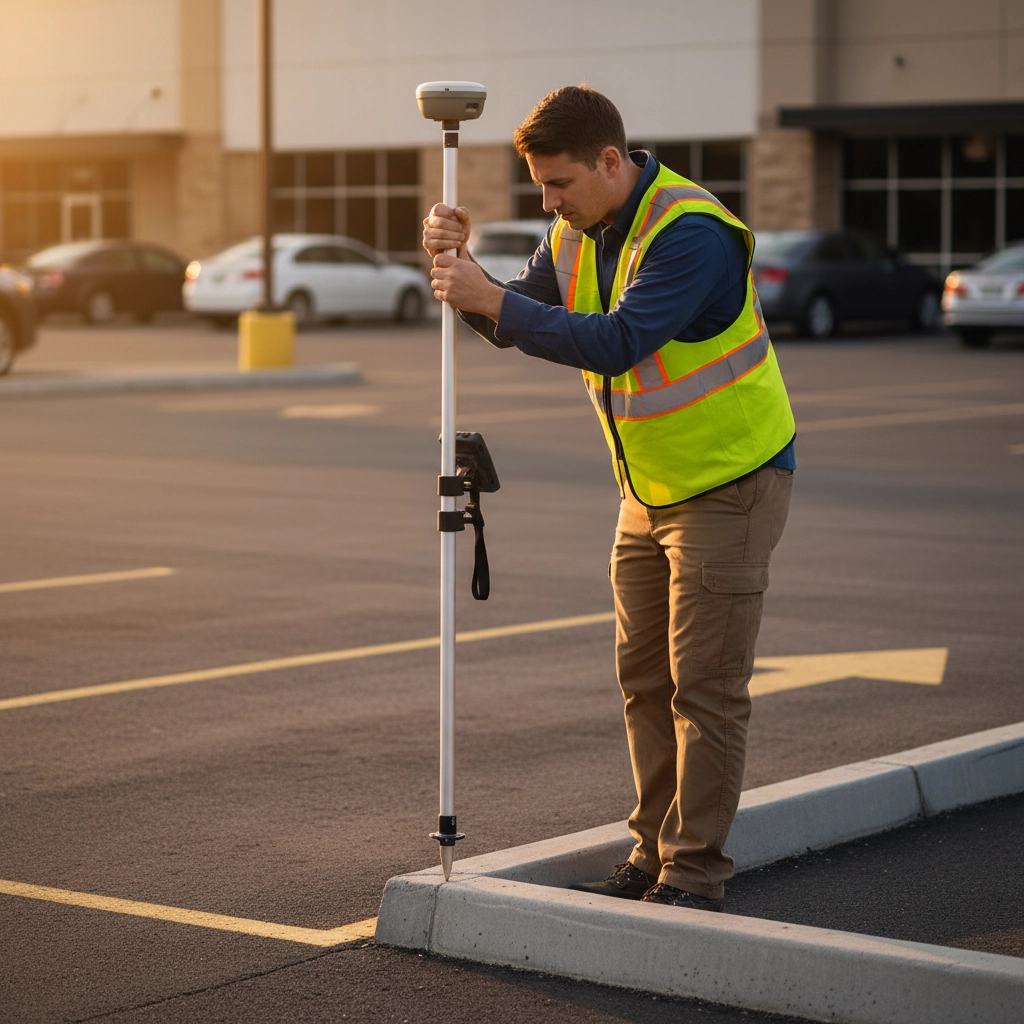
You collect both types of points using the same high-precision GPS equipment, like that trusty Emlid RS3. You mark them with the same bright orange targets. You photograph them with your drone from multiple angles. From a field perspective, they're twins.
But here's where it gets interesting: the magic happens back at your computer when you're processing the data.
The Real Difference: When They Work Their Magic
The fundamental difference between GCPs and checkpoints isn't what they are, it's when they do their job in your processing workflow.
Ground Control Points are active participants in the photogrammetry process. When you tell your processing software (like Pix4D, Agisoft, or DroneDeploy) that certain points are GCPs, the software treats these as gospel truth. It literally stretches, shifts, and adjusts your entire aerial map to align with those precise GCP coordinates.
Think of GCPs as the guy with the measuring tape at a construction site. When the software sees your drone thinks it photographed a GCP at coordinates (100, 200), but you tell it the point is actually at (99.95, 200.03), the software says "Oops, my bad" and adjusts everything accordingly.
Checkpoints, on the other hand, are the quality control inspectors. They don't participate in processing at all. Instead, after your map is completely finished, you compare where checkpoints appear in your processed data versus their known real-world coordinates. The difference between these values becomes your accuracy report card.
Checkpoints are like having an independent surveyor come verify your work after it's done. They can't improve your accuracy: they can only tell you how accurate you actually were.
Why This Confusion Is So Common
There are three main reasons why pilots constantly mix up GCPs and checkpoints:
They Look Identical in the Field When you're out there with your GPS receiver, both types of points require the same surveying techniques, the same physical targets, and the same careful data collection. There's literally no way to tell them apart just by looking.
Software Flexibility Most photogrammetry software lets you designate the same physical point as either a GCP or a checkpoint during processing. You could collect 10 identical points in the field, then decide later which ones to use for what purpose. This flexibility is powerful, but it also adds to the confusion.
Different Workflows for Different Drones The role of these points changes dramatically depending on whether you're flying an RTK drone or a standard GPS drone. With a regular drone, you absolutely need GCPs to get survey-grade accuracy. With an RTK drone, you might skip GCPs entirely but still want checkpoints to verify your results.
Non-RTK Drone Workflow: GCPs Are Essential
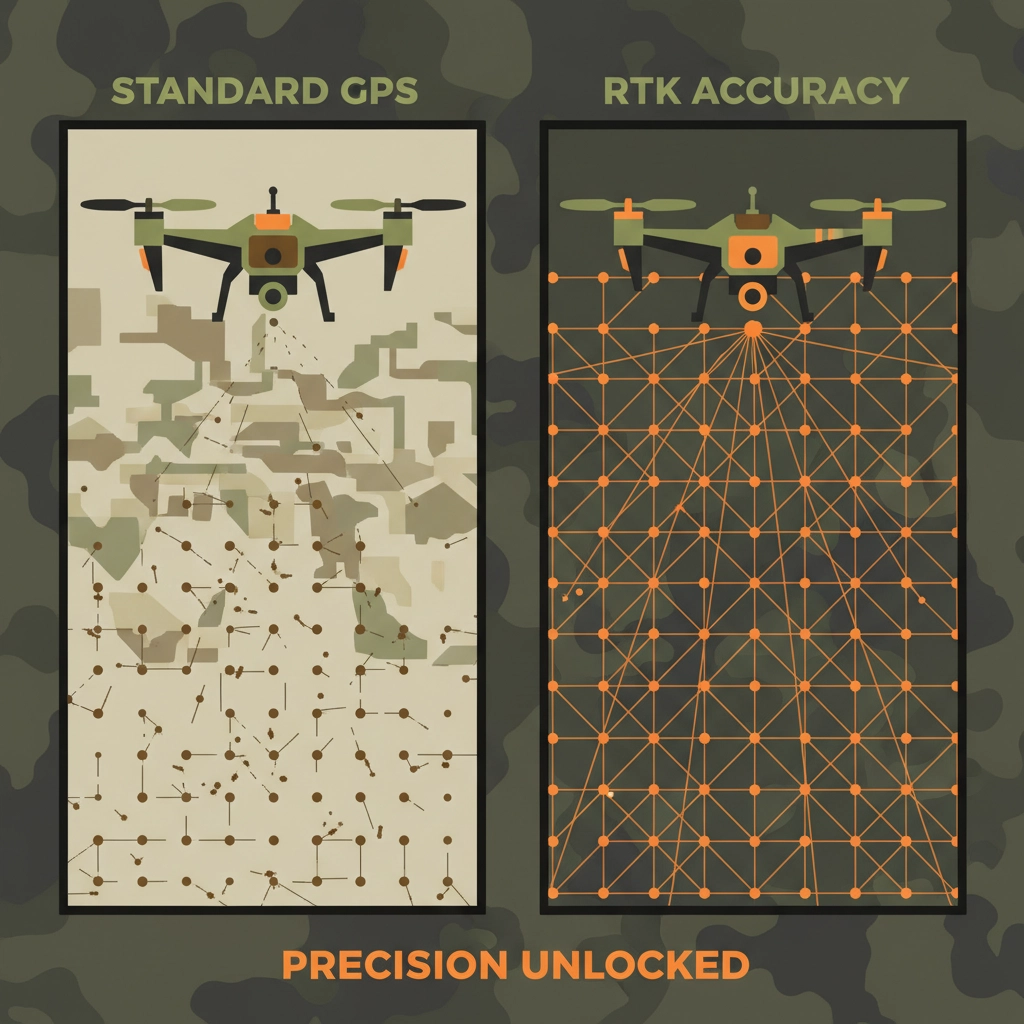
If you're flying a standard drone with regular GPS (like a DJI Mini or Air series), your positional accuracy is probably around 10-15 feet horizontally. That's fine for pretty photos, but it's nowhere near survey grade.
Here's where GCPs become your best friend. You'll typically want to place GCPs:
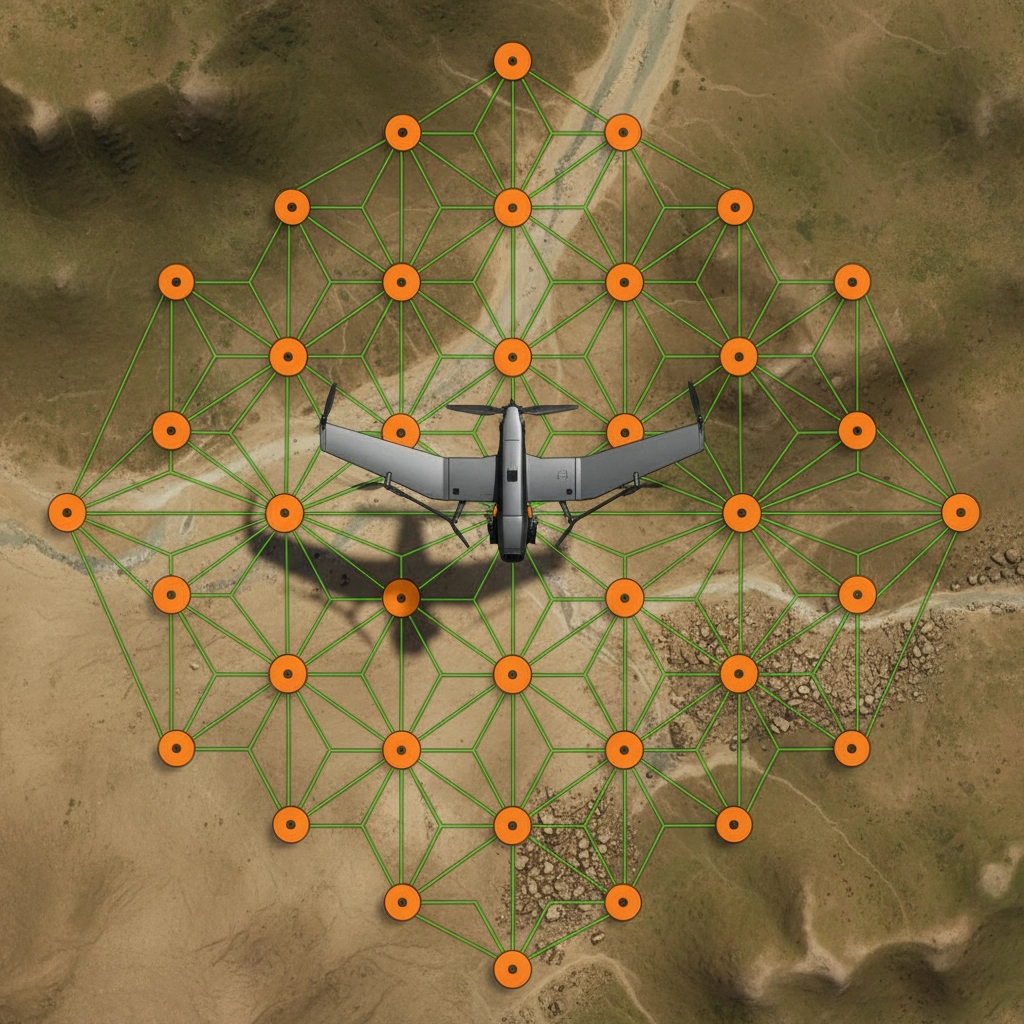
Around the perimeter of your survey area
At different elevations if your terrain varies
With good spacing: roughly one GCP per 50-100 acres depending on your accuracy requirements
The photogrammetry software uses these GCPs to correct for your drone's GPS errors and deliver centimeter-level accuracy in your final deliverable.
But don't forget checkpoints! Even with GCPs doing the heavy lifting, you should reserve a few points as independent checkpoints to verify your accuracy. A common approach is the 80/20 rule: use 80% of your surveyed points as GCPs and 20% as checkpoints.
RTK Drone Workflow: Checkpoints Take Center Stage
RTK drones change the game completely. With real-time kinematic GPS corrections, these systems can achieve centimeter-level accuracy right out of the box. Your DJI Mavic 3 RTK or similar drone is essentially carrying its own survey-grade GPS system.
In RTK workflows, you often don't need GCPs at all for georeferencing. The drone's GPS is already accurate enough for most applications. But: and this is crucial: checkpoints become even more important.
Why? Because you need to verify that your RTK system actually performed as expected. Maybe there was a satellite issue during part of your flight. Maybe your base station lost its connection. Maybe there was multipath interference from nearby buildings. Checkpoints are your insurance policy, proving that your RTK data is as accurate as you think it is.
Best Practices That Actually Work
Plan Your Point Strategy Before Flying Don't just scatter targets randomly. Think about your end use. If you're mapping for engineering deliverables, place more points near critical features. If you're doing volumetric analysis, concentrate points around your pile or excavation area.
Use Both Types When Possible Even in RTK workflows, consider using a few GCPs in challenging areas (heavy tree cover, near tall buildings) where GPS might struggle, plus several checkpoints for validation.
Document Everything Keep detailed records of which points you designated as GCPs versus checkpoints. Future you will thank present you when you're trying to explain accuracy results to a client six months later.
Consider Your Processing Software Different platforms handle GCPs and checkpoints slightly differently. Some automatically reserve a percentage of your points as checkpoints. Others require you to manually designate them. Know your software's workflow.
The Emlid RS3 Advantage
Speaking of collecting accurate points, let's talk about why tools like the Emlid RS3 have become so popular among drone pilots. This compact RTK GPS receiver can achieve centimeter-level accuracy for both your GCPs and checkpoints, whether you're working in remote areas or urban environments.
The RS3's ability to work with multiple satellite constellations (GPS, GLONASS, Galileo, BeiDou) means you get reliable positioning even in challenging conditions. Plus, its long battery life and rugged design make it perfect for those long survey days when you're placing dozens of control points.
But remember: the equipment is only as good as your understanding of how to use the data it provides.
Common Mistakes to Avoid
Using Too Few Points Don't try to get away with just 3-4 GCPs on a large survey. More points generally mean better accuracy, especially around the edges of your survey area.
Ignoring Checkpoints Entirely If you can't prove your accuracy with independent checkpoints, you're essentially asking clients to trust your data without verification. That's not a sustainable business practice.
Mixing Up Point Types in Software Double-check your point designations before processing. Using a checkpoint as a GCP (or vice versa) can significantly impact your results.
Poor Point Placement Avoid putting control points in shadows, under trees, or in areas where GPS signals might be compromised. The accuracy of your control points directly affects your final deliverable quality.
The Bottom Line
Understanding the difference between GCPs and checkpoints isn't just academic: it's fundamental to producing reliable, professional-grade drone surveys. GCPs actively improve your data during processing, while checkpoints independently verify your accuracy after processing.
Both are crucial, but they serve different purposes at different stages of your workflow. Master this concept, and you'll join the ranks of drone pilots who actually understand what they're measuring: not just those who go through the motions.
The next time someone asks about your control strategy, you'll have a clear answer: "These GCPs will anchor my processing for maximum accuracy, and these checkpoints will prove that accuracy to my client." Now that's the kind of confidence that separates professional drone pilots from the crowd.
Remember, great data starts with great planning. Whether you're using an Emlid RS3, a Trimble unit, or any other precision GPS system, understanding when and how to use GCPs versus checkpoints will elevate your surveying game to the next level.


logo.png)
Comments